FAQ
Will the 2026 Annual Fall Meeting be available On Demand or Virtually?
This meeting will be available in-person only at The Gaylord Pacific in Chula Vista, California. On demand content will be available to in-person registrants only. Registration for on demand content only will not be available.
What time zone is the 2026 Annual Fall Meeting?
Western Standard Time
What happens if I book outside the official room block?
Your reservation is not covered by our contract. If the hotel oversells and relocates you, the hotel will handle your case directly. The Academy cannot move you, cover costs, or negotiate on your behalf. To receive support, book through the official block link provided in your registration confirmation.
How can I chat with other meeting attendees?
Private messages can be sent and received through the Attendee's Corner in the Mobile Meeting Guide.
How can I ask the speaker a question?
While attending the sessions, we encourage meeting attendees to use the “Ask the Speaker” feature. Attendees will access the Ask the Speaker function by clicking on the icon posted under the Session titles in the Mobile Meeting Guide.
How and where will I claim CME?
Access the evaluation and CME form in the Mobile Meeting Guide under the Evaluations & CME tab. Attendees are to claim CME/CE only for the sessions you attend. You will have until December 31, 2026, to evaluate and claim CME credit. You will be required to complete the General Evaluation questions before you can access the CME credit form. For DO registrants, we will submit your credits automatically to the AOA within 60 days after the submission deadline.
How do I add the Mobile Meeting Guide to my home screen?
iPhones and iPads:
Launch the Safari browser on Apple's iOS and navigate to the MMG at aoaommg.org. Tap the Share button on the browser's toolbar — that's the rectangle with an arrow pointing upward. It's on the bar at the top of the screen on an iPad, and on the bar at the bottom of the screen on an iPhone. Tap the Add to Home Screen icon in the Share menu.
Android Phones and Tablets:
Launch Chrome for Android and open the MMG website at aoaommg.org. Tap the menu button and tap Add to homescreen.
Text Message Opt-In
If you haven't signed up to
receive meeting notifications by
text, simply text
AOAO 26FALL to
804-391-7373.
Stay connected with real-time updates and essential information delivered straight to your phone!
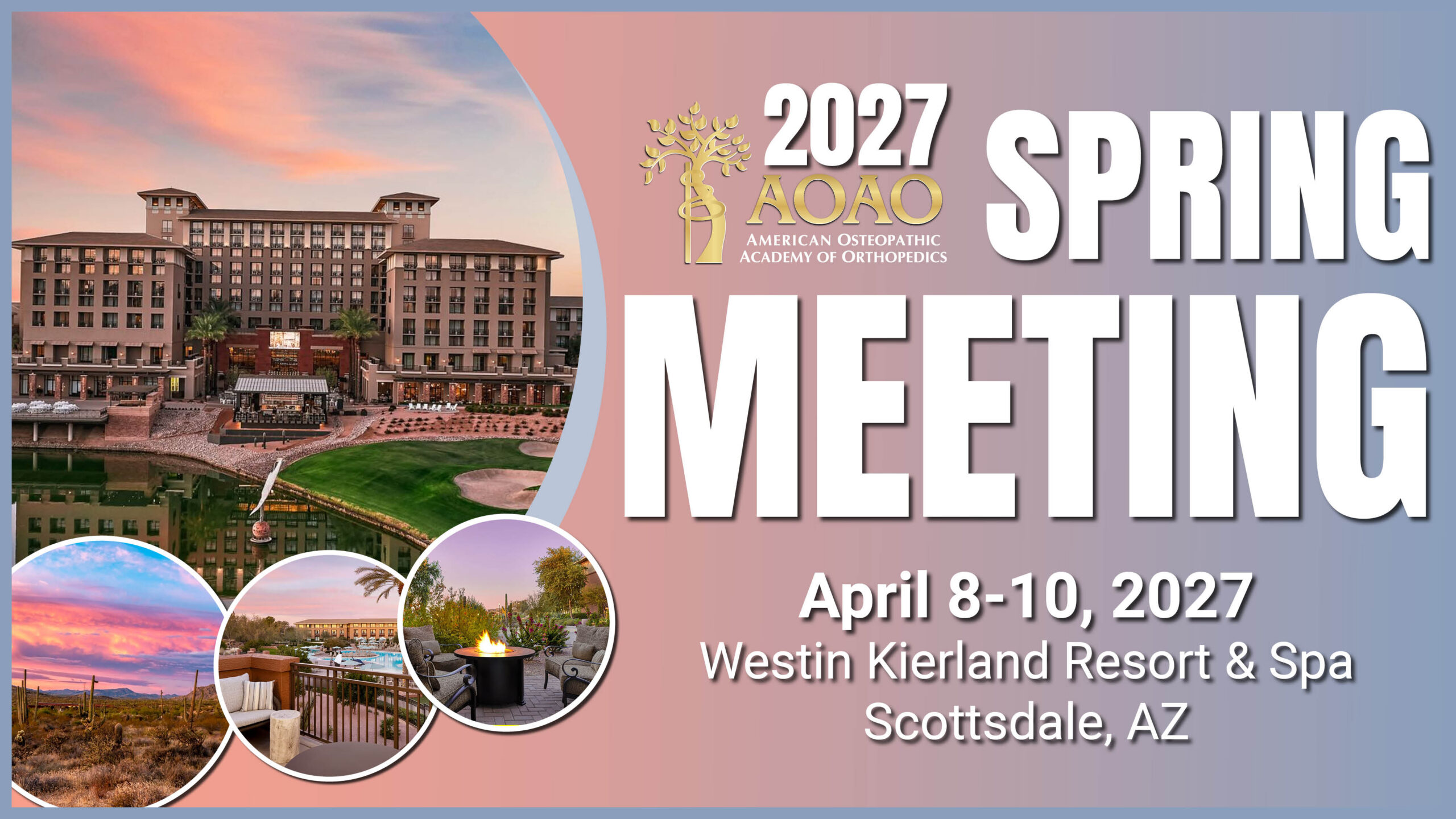
SAVE THE DATES
2027 Annual Spring Meeting
April 8-10, 2027
Westin Kierland Resort & Spa
Scottsdale, AZ